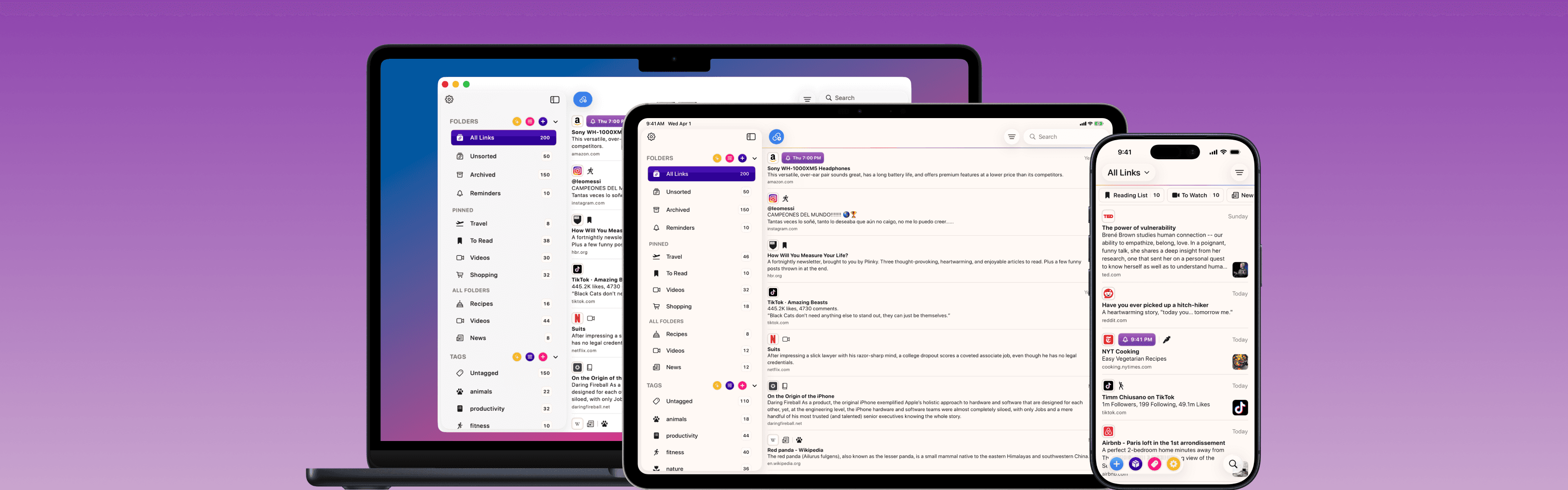
Introducing Plinky for Mac
Plinky comes to the Mac. All your links in your pocket, and at your desk.
🎁 To celebrate the launch of Plinky for Mac, a yearly subscription of Plinky Pro is 50% off until May 22nd 🎁
---
When I first began working on Plinky I made it my mission to build an app that lets people easily save links for later, from anywhere, so they can have them everywhere. For almost two years now you've been able to save links into Plinky from anywhere, but you haven't been able to access your links everywhere.
With Plinky's biggest update to date (not a metaphor — you can blow up the Mac app on your 55" monitor if you want), you now have access to Plinky in your pocket and at your desk. Beta users have said that having their links on every Apple device has been a real game changer for them, and I'm inclined to agree. That changes today thanks to Plinky's most requested feature: Plinky for Mac — a free update for everyone.
The Mac App
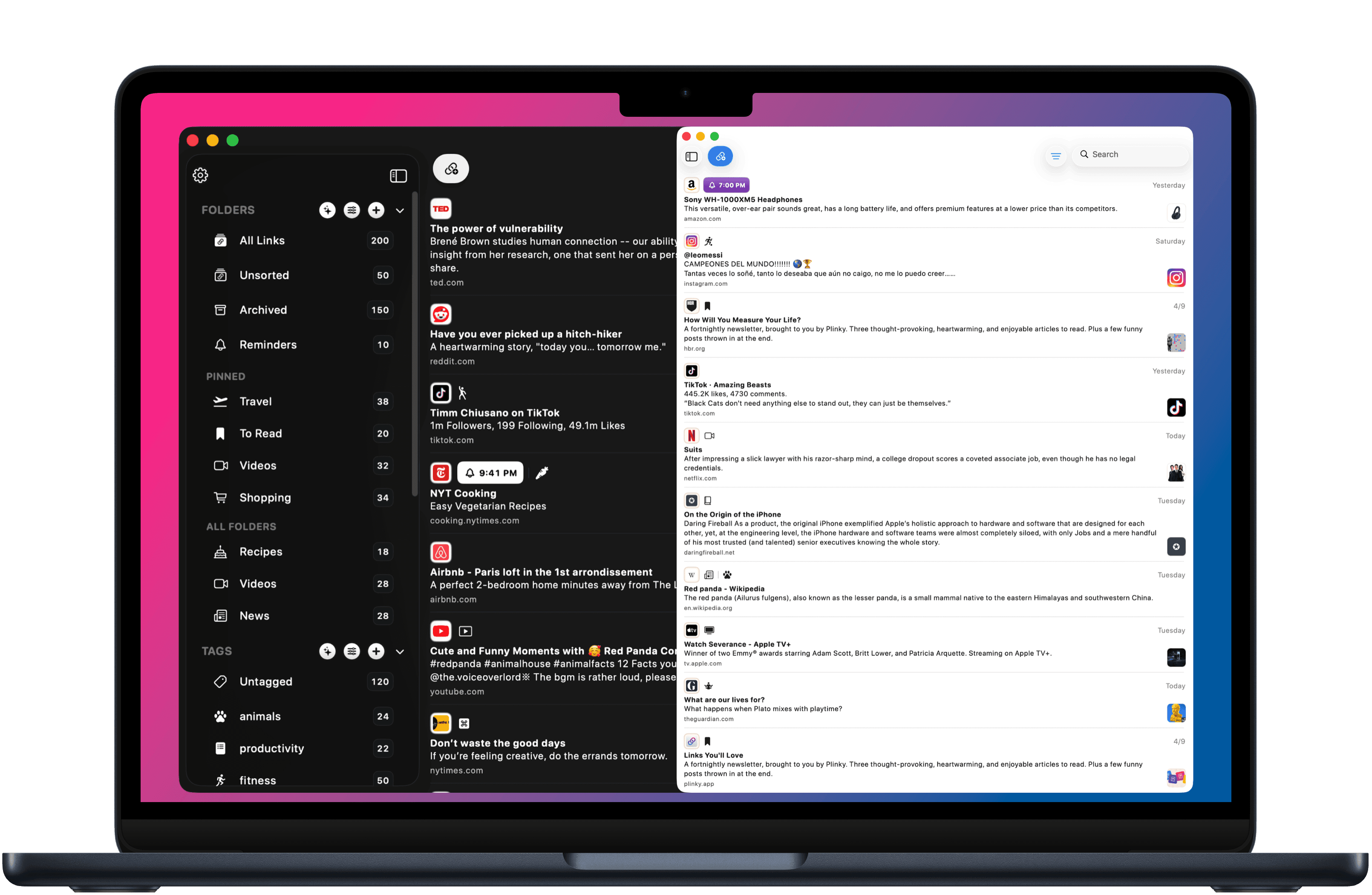
Plinky for Mac feels right at home on macOS. It brings your links, folders, tags, reminders, and pins to the desktop with the truly native experience that you'd expect from a Mac app. Keyboard shortcuts let you jump between sections quickly, window management works the way you'd want it to, and Plinky for Safari is built right in so saving links from the web is seamless.
A Big Upgrade For iPad
The iPad app has gotten a lot of love too. The sidebar is now cleaner and easier to navigate, and the keyboard shortcuts to jump between All Links, Unsorted, Archived, and Reminders are now on iPad as well. The save link screen has been refined for iPad as well, so you can add folders, tags, reminders, and pins right as you're saving a link.
Refinements & Polish
Little things add up to be a big deal, so I refine Plinky's user experience with every update. Creating and editing folders or tags is now easier with a unified editing experience that lets you customize names, icons, and colors all in one clean screen. Pinned folders and tags are easier to scan thanks to better grouping. And with this update, I've made sure everything across Mac, iPad, and iPhone feels cohesive and intentional.
There's always more to do, and I want to hear from you too. If you have ideas for how to improve Plinky — whether it's for Mac or any other part of the app — please reach out and let me know. I can't wait for you to try Plinky on your Mac.